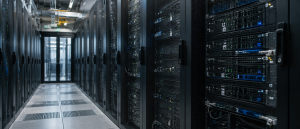
AI is growing fast. Businesses use it for chatbots, search, code help, image tools, analytics, and automation. But behind every smart AI app is a large amount of hardware and network traffic. This is where the trouble begins.
As more companies adopt AI, they run into AI server bottlenecks and AI network congestion. Servers get overloaded. Networks slow down. Storage systems struggle. Even strong cloud platforms can face pressure when too many AI jobs run at once.
In this ETS blog explains why AI is causing server bottlenecks, what are AI infrastructure challenges, and solutions for AI server scaling in simple terms.
The Big Reason AI is Stressing Infrastructure
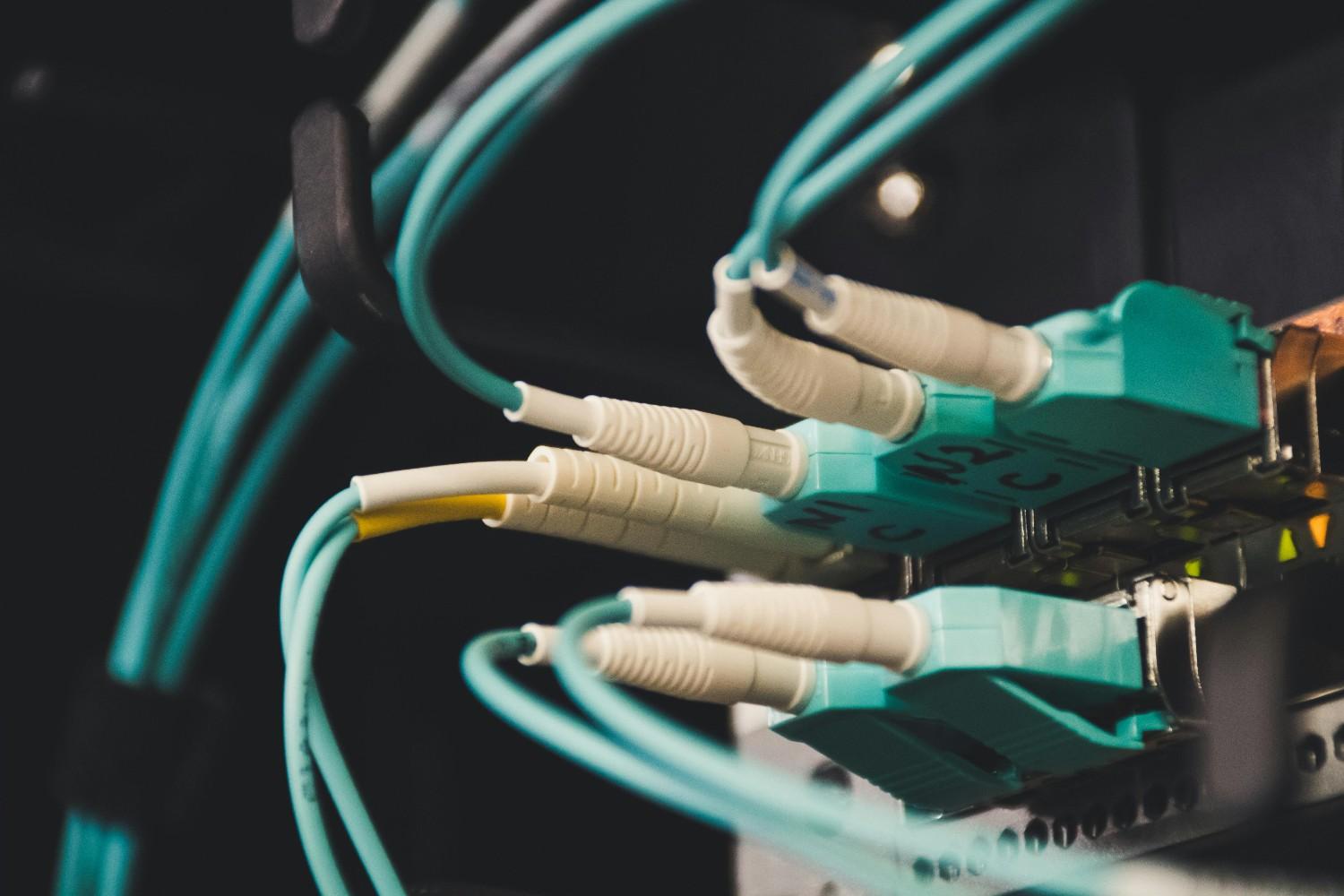
AI is not like normal software. It needs far more computing power, memory, and data movement. A simple website may handle thousands of users with modest resources. An AI system data center may need huge GPU clusters, fast storage, data center air conditioning, and steady network bandwidth just to answer one request quickly.
That is why data center bottlenecks AI is now a major concern. The problem is not only one server. It is the full chain of systems that must work together.
What AI needs from infrastructure
- Large GPU servers for training and inference
- Fast access to stored data
- High-speed network links between servers
- Enough rack space and cooling
- Stable cloud capacity for sudden demand
When one part falls behind, the whole system slows down.
Why Data Centers Are Struggling With AI
Many data centers were built for older workloads. These workloads were important, but they were not as heavy as modern AI. Today, companies are trying to run much larger models, more often, for more users.
This creates data center capacity issues. Some sites do not have enough power. Others do not have enough cooling. Many are short on space for dense GPU clusters. Some are also limited by the network gear that connects all the machines.
For more information on why data center maintenance is crucial, read our blog.
The main pressure points
| Pressure point | What happens | Business impact |
| Compute | GPUs are fully booked | Slower model training and slower responses |
| Storage | Data cannot move fast enough | Longer wait times and lower efficiency |
| Network | Traffic grows too fast | AI network congestion and delay |
| Power | More chips need more energy | Higher cost and less room for expansion |
| Cooling | Heat rises quickly | Less stable performance and possible throttling |
This is why many teams now ask why data centers are struggling with AI. The answer is simple. AI needs more of everything.
AI Server Bottlenecks Start With GPU Demand
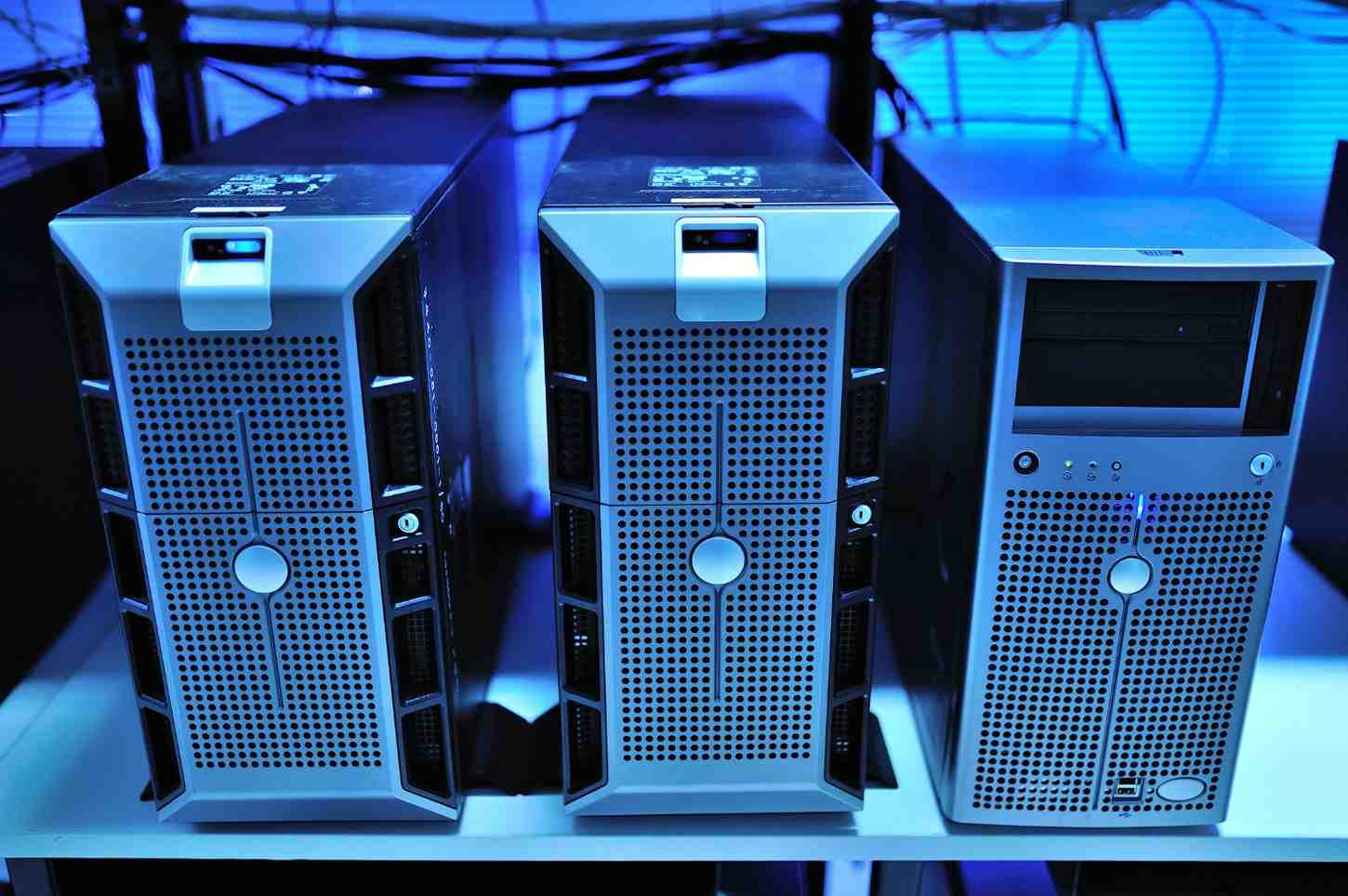
One of the biggest drivers of AI server bottlenecks is the huge rise in GPU server demand AI workloads create. GPUs are excellent for AI, but they are also expensive and hard to scale. Many companies want the same kind of hardware at the same time.
Training large models can use hundreds or even thousands of GPUs. Inference, which is the part where AI gives answers to users, also needs a lot of GPU power when traffic is high.
Why GPUs create bottlenecks
- They are in high demand across many industries
- They need fast networking to work well in clusters
- They produce a lot of heat
- They need strong power delivery
- They are harder to replace or expand than normal servers
This is a key part of server infrastructure limits. A company may have enough ideas, but not enough hardware to support them.
AI Network Congestion Slows Everything Down
AI jobs do not just use computers. They also move large amounts of data between servers, storage, and users. This creates AI network congestion when traffic becomes too heavy for the available network paths. Huge traffic also needs expensive server maintenance.
Imagine several large trucks trying to use a small bridge at the same time. The bridge still works, but traffic slows down. That is what happens when too many AI jobs share the same network.
Common network problems in AI systems
- Network bandwidth limitations
- Delays when data moves between GPU nodes
- Slow storage access during training
- Bottlenecks between cloud regions
- Poor response times for live AI apps
These issues lead to latency issues in AI workloads. When latency grows, users notice slower replies, lag, and weaker app performance.
Cloud Growth Does Not Remove the Problem
Many companies think cloud use will solve all scaling issues. Cloud helps, but it does not remove the pressure. It simply shifts the load to another shared environment.
This is where cloud infrastructure scaling becomes difficult. Cloud providers also face limits in power, chips, cooling, and network hardware capacity. So as demand rises, customers may still run into waits, quota limits, or rising costs.
What makes cloud scaling hard
- Many customers want the same GPU resources
- Large model training needs huge bursts of power
- Regional data transfer can be slow
- Costs rise quickly when workloads grow
- Shared systems can still become crowded
So cloud helps with flexibility, but it does not fully solve AI server bottlenecks.
Server Rack Density Challenges are Rising
AI hardware is far denser than older server gear. A single rack can now hold a huge amount of computing power. That sounds efficient, but it also creates server rack density challenges.
More power in a smaller space means more heat, more cabling, more power planning, and more pressure on cooling systems. A data center may look ready on paper, but once AI hardware arrives, it may struggle to support the load.
Why density matters
- Higher heat levels
- More power draw per rack
- Harder maintenance
- Greater risk of failure
- More complex layout planning
This is why many operators are redesigning facilities around AI instead of trying to fit AI into older server rooms.
AI Training vs Inference Infrastructure
Not all AI workloads are the same. One of the most important parts of planning is understanding AI training vs inference infrastructure.
Training is the heavy learning phase. Inference is the live usage phase, when people interact with the model. These two needs are very different.
| Workload type | Main need | Infrastructure challenge |
| Training | Massive compute and fast interconnects | High GPU use and large data movement |
| Inference | Fast response and steady serving | Low delay and high availability |
Training may use enormous clusters for long periods. Inference may need fast autoscaling so it can serve many users at once. Both can create AI server bottlenecks, but in different ways.
Edge Computing vs Cloud AI
As AI grows, many companies compare edge computing vs cloud AI.
Cloud AI is strong for large models and central control. Edge AI runs closer to the user or device, which can reduce delay. Both have value.
When edge helps
- Lower delay for local tasks
- Less network traffic back to the cloud
- Better support for devices in remote locations
When cloud helps
- Easier model updates
- Better access to large GPU clusters
- Better support for large-scale training
Many future systems will use both. This hybrid model can reduce pressure on cloud networks and help ease AI network congestion.
Fiber Network Capacity Limits Matter Too
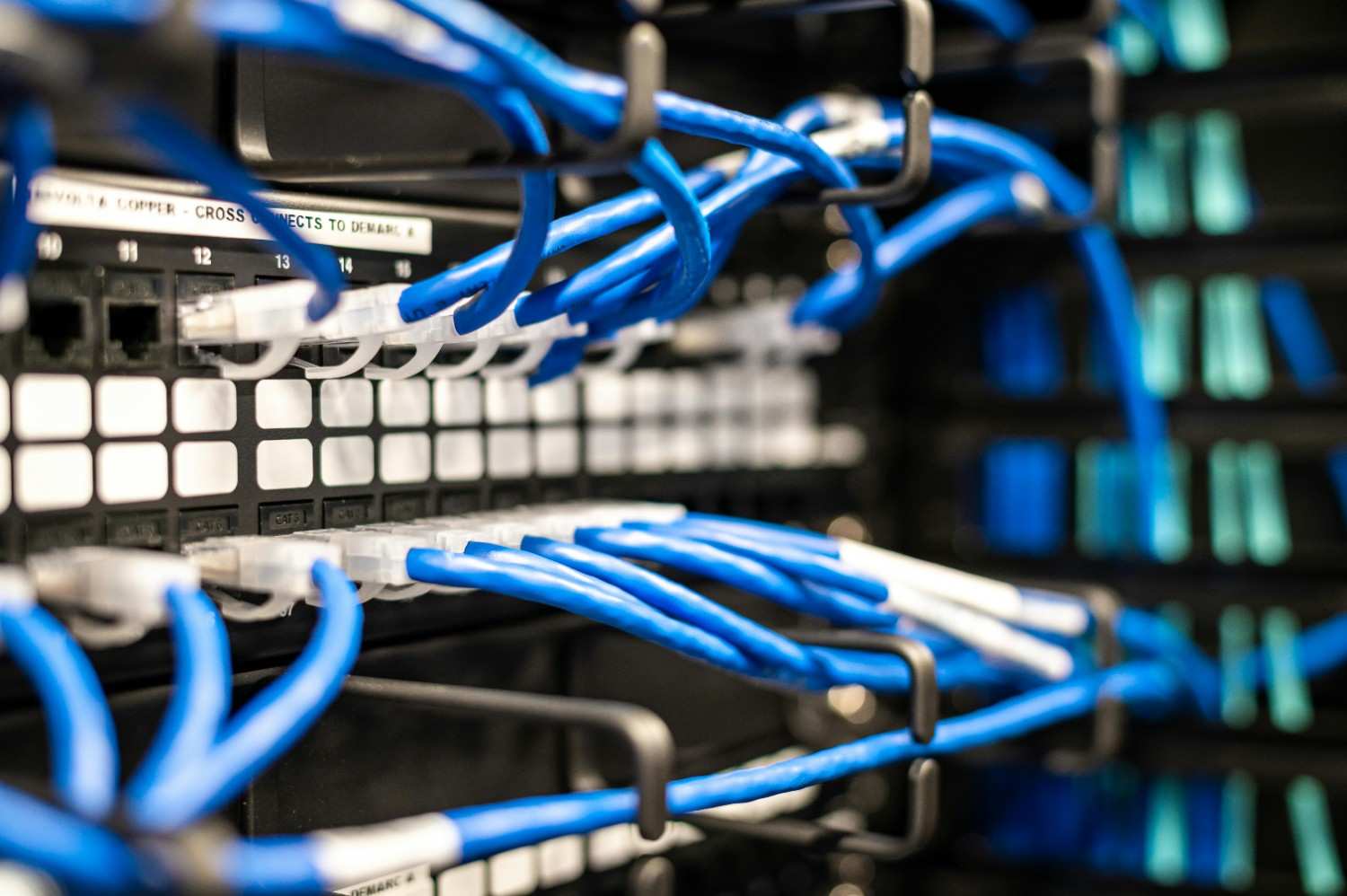
Even the best servers fail if the network is too weak. AI systems depend on fast movement of data, especially when many GPUs work together. That is why fiber network capacity limits are now a major concern.
If the fiber link cannot carry enough traffic, data gets delayed. That slows training, slows results, and adds cost.
Signs of network strain
- Packet delay
- Slow file movement
- Lower model throughput
- Timeouts in busy periods
- Reduced user experience
Strong network design is now as important as strong server design.
How AI Affects Network Performance
Many readers ask how AI affects network performance. The answer is that AI sends more traffic, more often, and in larger bursts than many older applications.
AI models need data from storage, updates from other machines, and requests from users. When these flows happen at once, the network gets crowded.
Common effects on network performance
- Lower speeds during peak hours
- Delays when models share data
- More pressure on switches and routers
- Greater chance of bottlenecks across regions
That is why network planning must be part of every AI project, not an afterthought.
Solutions for AI Server Scaling
The good news is that these problems can be managed. Companies do not need to stop AI growth. They need better planning.
Here are some practical solutions for AI server scaling:
1. Plan for AI from the start
Design a sustainable IT infrastructure around AI workloads instead of adapting old systems later.
2. Improve GPU placement
Put GPUs where they can work efficiently with storage and network systems.
3. Upgrade networking
Use faster links, better switches, and smarter routing to reduce AI network congestion.
4. Split training and inference
Do not let training jobs crowd out user-facing services.
5. Use hybrid cloud design
Combine cloud and edge systems to balance load and reduce delay.
6. Watch power and cooling closely
AI hardware needs more energy and thermal planning than older workloads.
7. Scale in stages
Grow step by step rather than waiting for a full system failure.
8. Implement good EOL support
Hardware is the backbone of the AI industry. Having good EOL support ensures services keep functioning uninterrupted.
What AI Infrastructure Teams Should Focus On
To handle AI workload scaling issues, teams should focus on a few key goals.
- Increase server capacity where demand is highest
- Protect user-facing services from training spikes
- Reduce delay across storage and network layers
- Build for future model growth, not just current usage
- Keep room for more GPUs, more bandwidth, and more cooling
This is the heart of solving server infrastructure limits and avoiding repeated AI server bottlenecks.
Final Thoughts
AI is creating major business value, but it is also pushing technology stacks harder than ever. The result is more AI server bottlenecks, more AI network congestion, and more pressure on data centers, cloud platforms, and network systems.
The companies that win will be the ones that treat infrastructure as a core part of AI strategy. That means planning for power, cooling, GPUs, bandwidth, and latency from the beginning.
At Extended Tech Solutions, this is the kind of challenge that matters. AI growth is not slowing down. The better your infrastructure plan, the better your AI will perform.
Learn about our Server Maintenance Services.
About The Author: